In Sekunden festgehalten
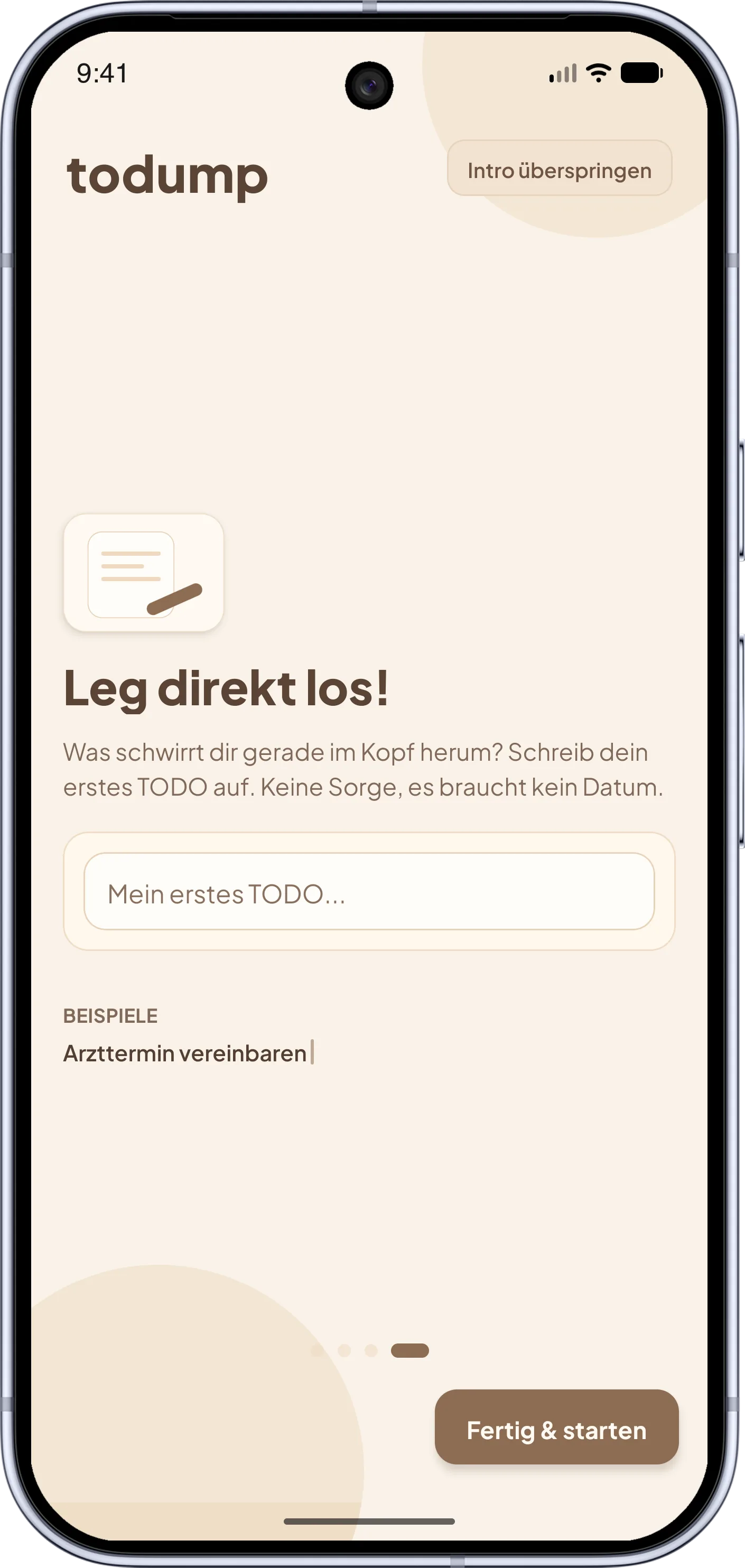
Ein Einfall? Tipp ihn ein. Kein Projekt, kein Label, keine Pflichtfelder – du hältst den Gedanken fest, bevor er weg ist.
todump ist der Notizblock für spontane Einfälle und offene Aufgaben – ganz ohne Termine. Was du festhältst, erinnert dich Tag für Tag wieder, bis es erledigt ist. Nichts verfällt, nichts wird „zu spät“.
Guten Abend ✦
Zahnarzttermin ausmachen
Buch zurück in die Bücherei
liegt im Flur
Freund:in zurückrufen
Idee für Geburtstagsgeschenk
die Kopfhörer?
Pflanzen gießen
Gedanke da? Tipp ihn ein – ein Wort genügt. Kein Datum, kein Label, keine Pflichtfelder. In Sekunden ist der Kopf wieder frei.
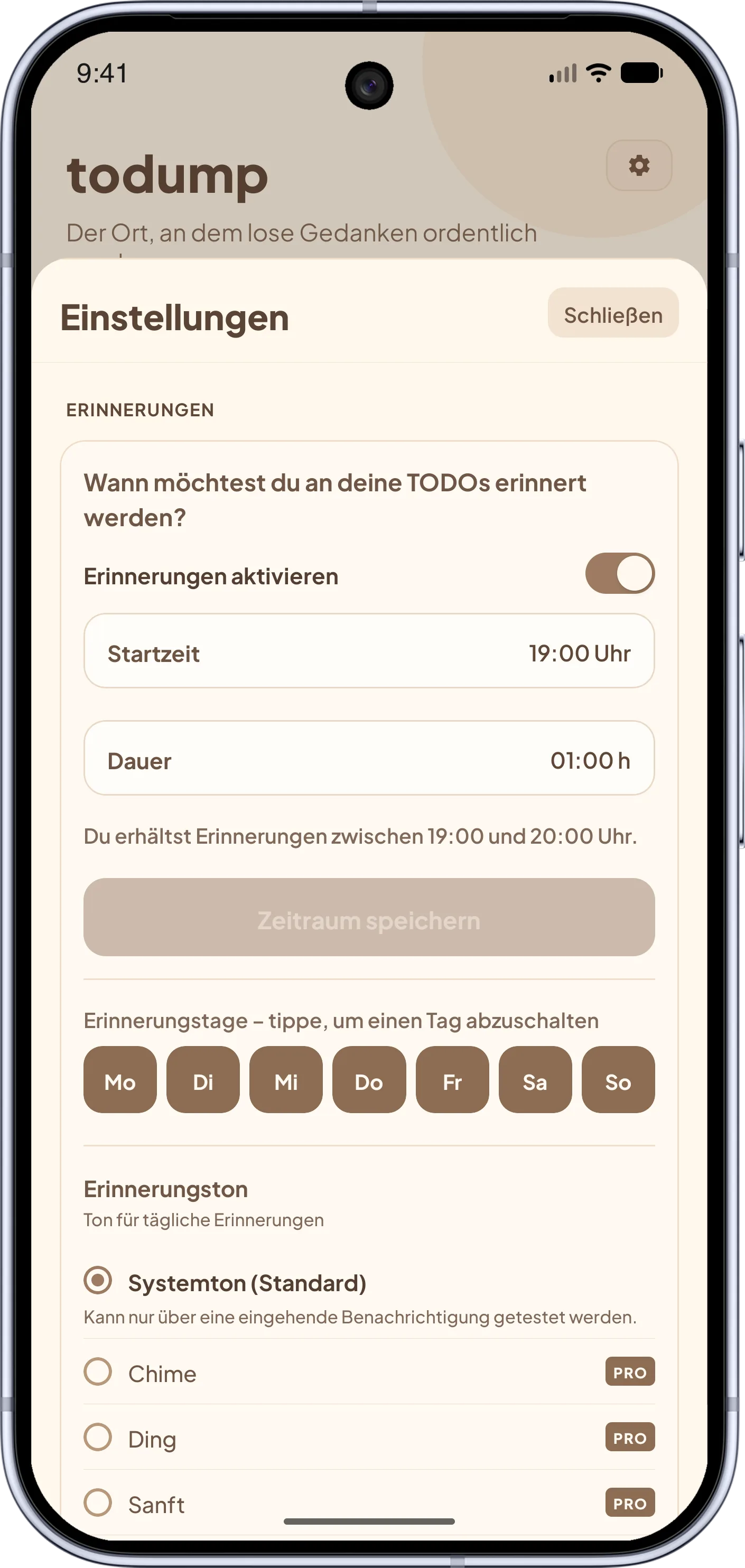
In deinem täglichen Zeitfenster meldet sich todump mit deinen offenen Dingen – Tag für Tag wieder, bis du sie abhakst. Nichts verfällt.
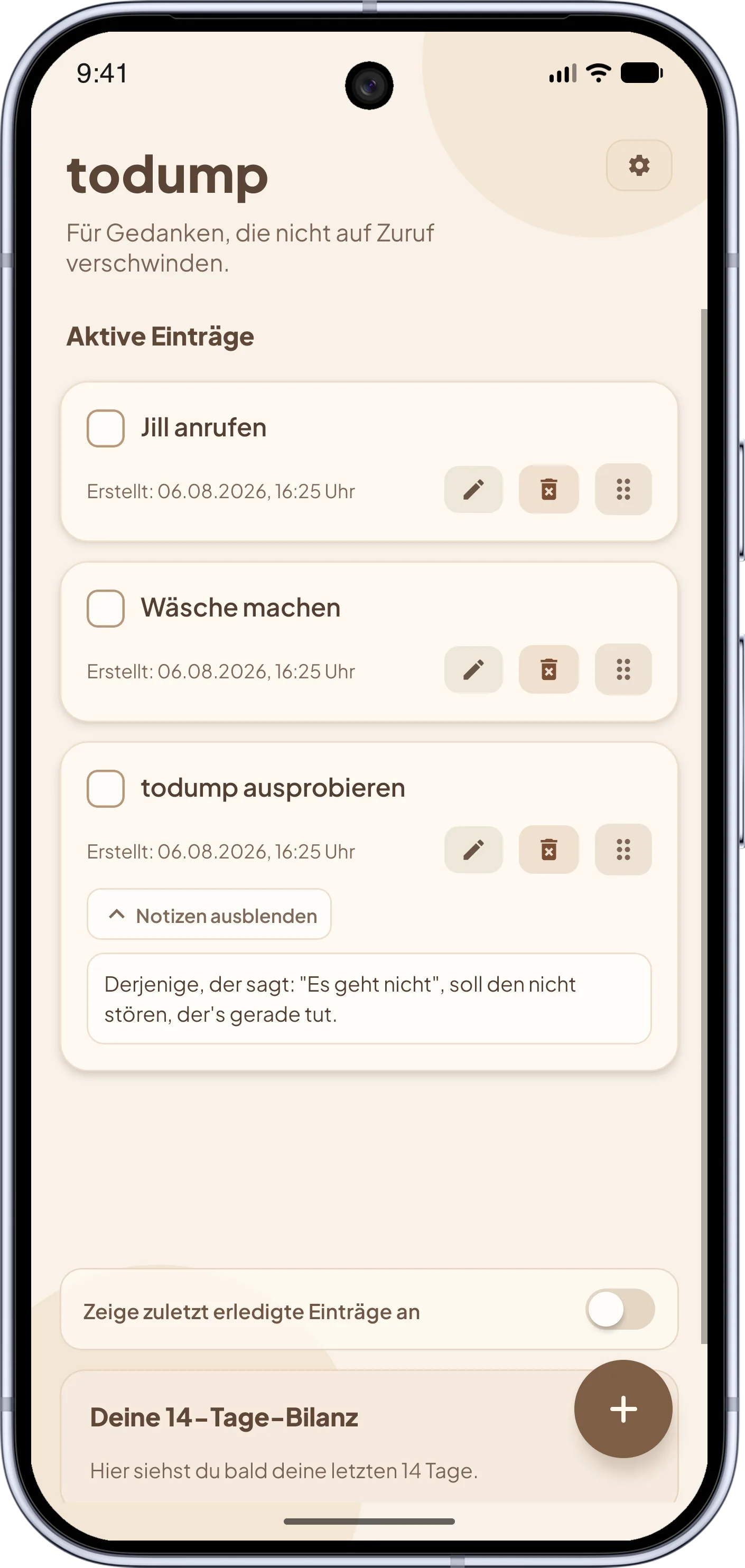
Erledigt? Ein Tipp, und der Eintrag ist aus der Liste und aus deinem Kopf. Kein Termindruck, kein „zu spät“.
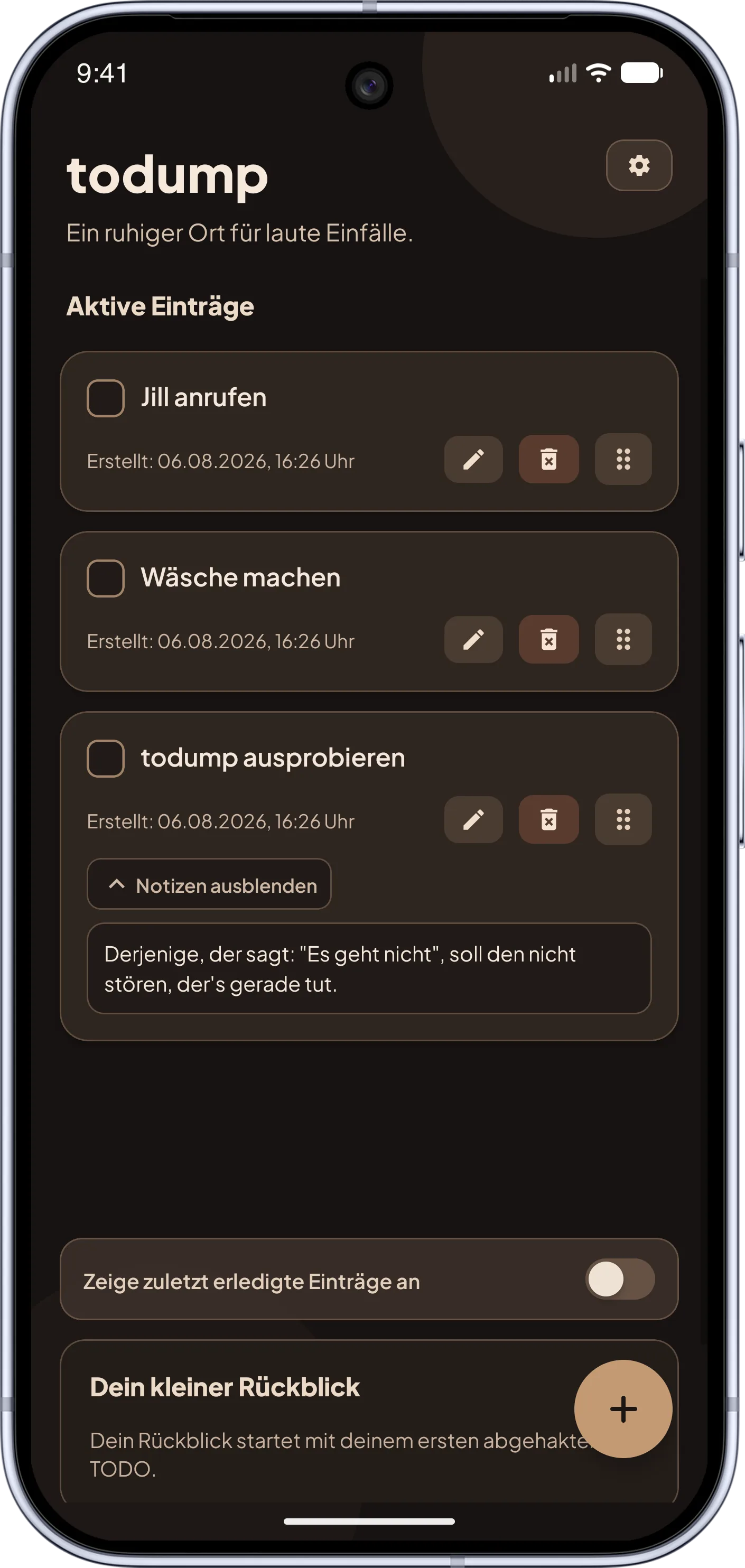
todump hat ein Ziel: Gedanken festhalten und im passenden Moment wieder anzeigen. Hier siehst du alle Funktionen.
Ein Einfall? Tipp ihn ein. Kein Projekt, kein Label, keine Pflichtfelder – du hältst den Gedanken fest, bevor er weg ist.
Eine offene Aufgabe taucht Tag für Tag wieder auf, bis du sie abhakst. Nichts rutscht durch, nichts läuft „ab“.
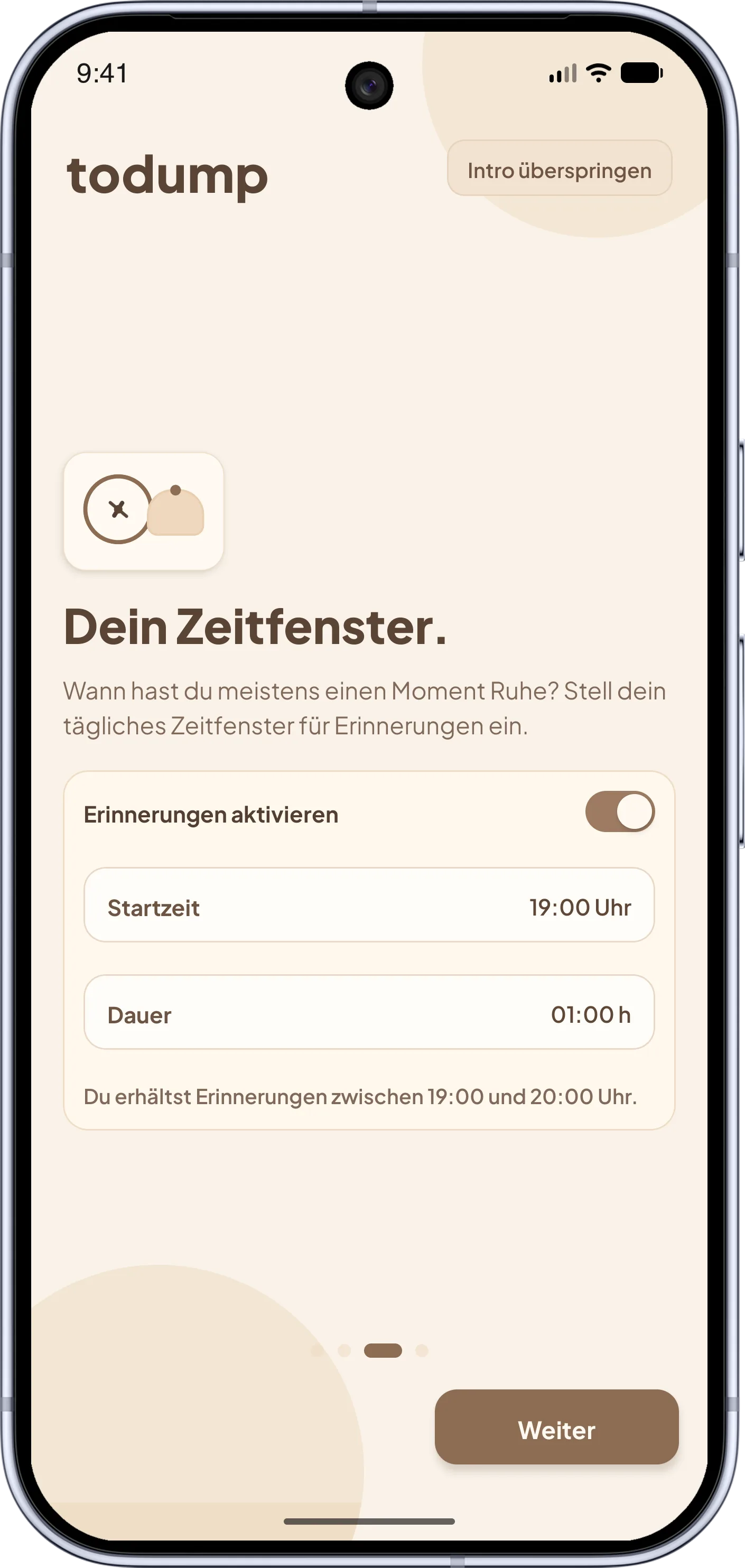
Du wählst einmal ein tägliches Fenster, z. B. 18 bis 20 Uhr. Nur dann meldet sich todump – nicht zu festen Uhrzeiten für jede einzelne Aufgabe.
Gerade keine Zeit? Ein Tipp, und die Erinnerung kommt nach 10 Minuten, 30 Minuten oder 1 Stunde wieder. Kein „zu spät“, keine roten Markierungen.
Keine Anzeigen, kein Login, keine Registrierung. Deine Einträge bleiben lokal auf deinem Gerät – kein Server liest deine Notizen.
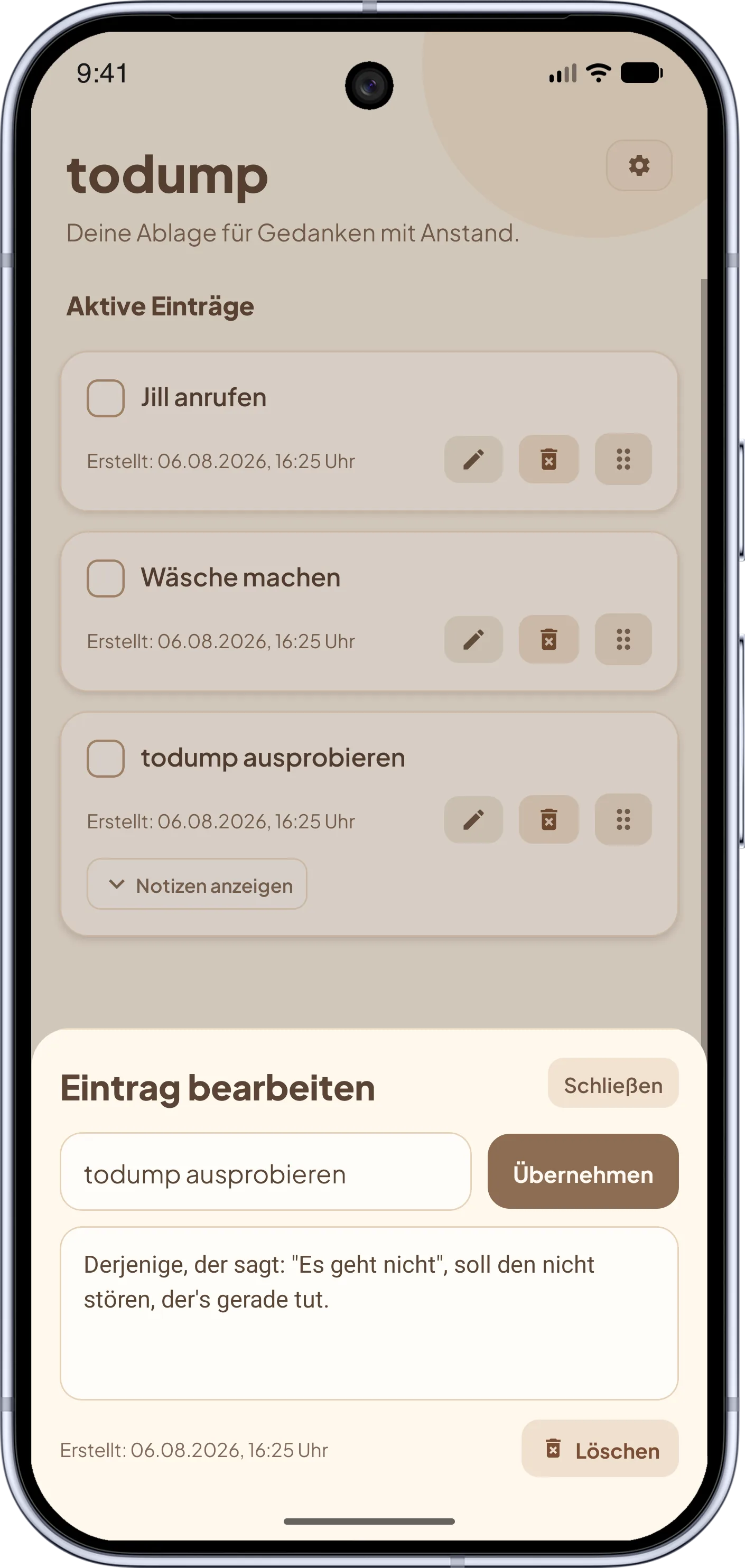
Zieh deine Einträge in die Reihenfolge, die sich richtig anfühlt – ganz ohne Prioritätsstufen und Menüs.
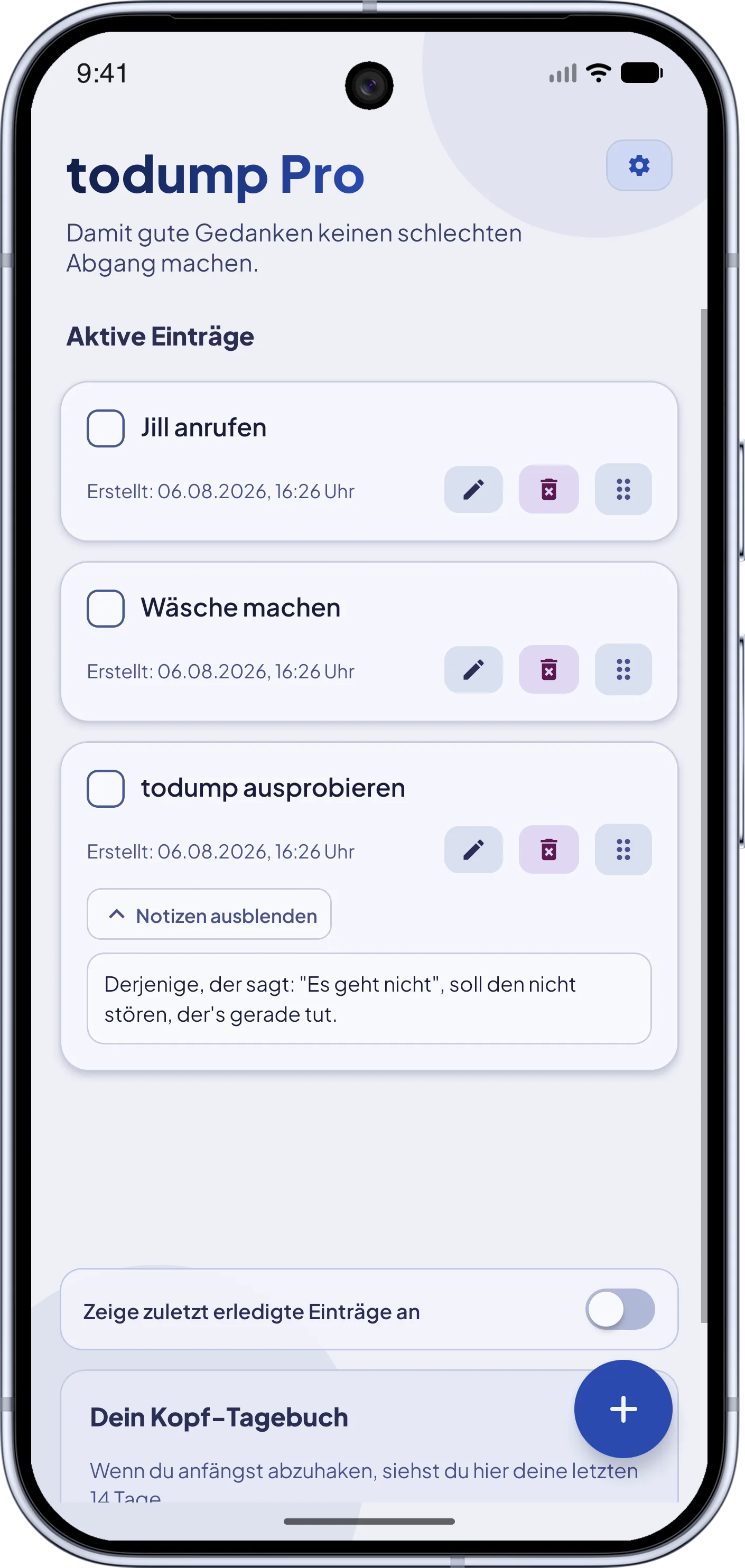
14 Mini-Balken zeigen, wie viele Gedanken du in den letzten zwei Wochen befreit hast. Ruhige Statistik statt Erfolgsdruck – und abschaltbar, wenn du magst.
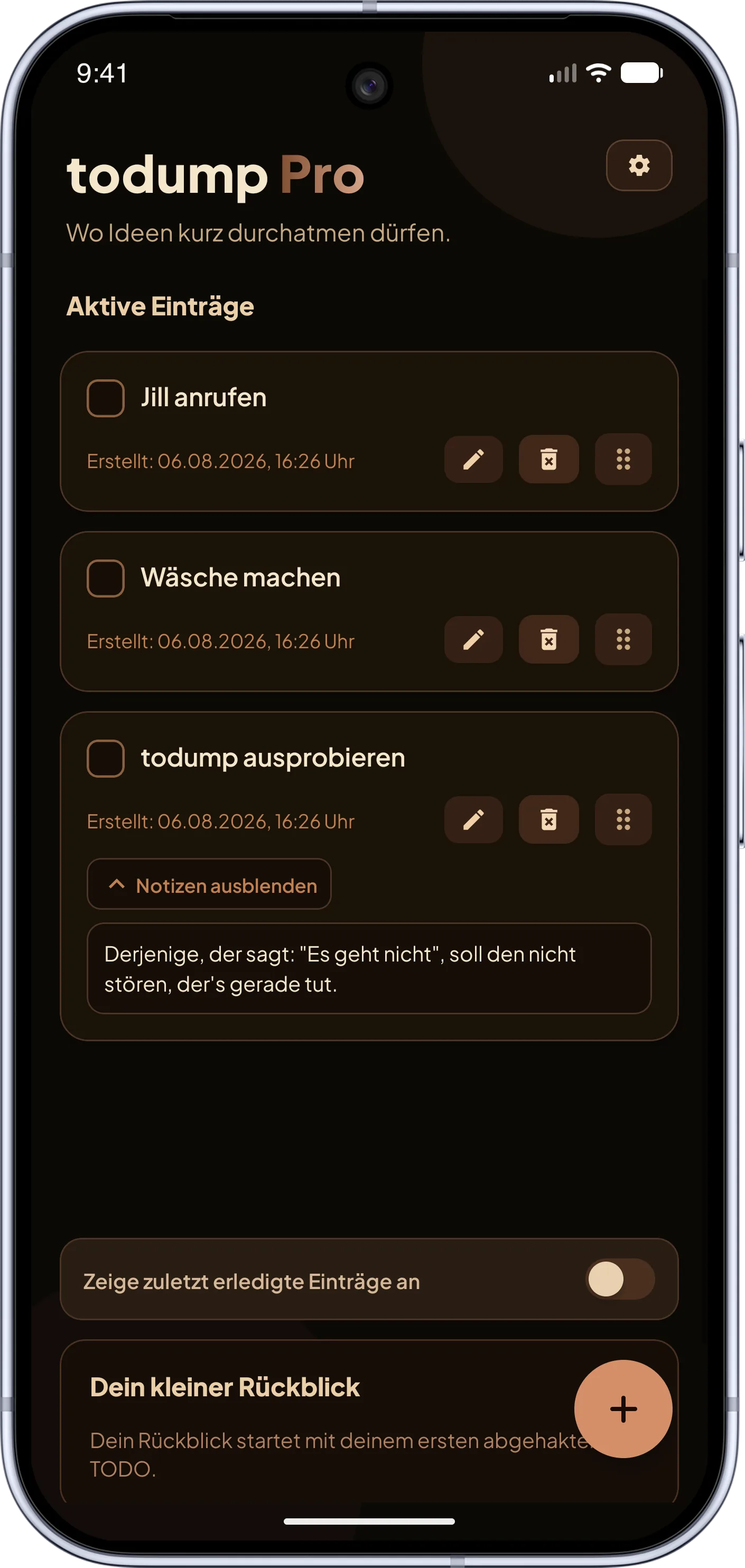
Mit dem Schnelleintrag-Widget öffnest du direkt einen neuen Eintrag. Das Top-3-Widget zeigt drei offene Einträge auf dem Homescreen. Für Pro-Nutzer.
Lass todump so klingen, wie du willst: freundlich, verständnisvoll, wortkarg oder schonungslos ehrlich. Drei Stile extra für Pro-Nutzer.
Fingerabdruck, Face ID oder PIN schützen deine Einträge – niemand außer dir sieht, was du dumpst. Für Pro-Nutzer.
Koffein, Salbeigrün oder Cyberpunk – gib der ganzen App deine Lieblingsfarbe, in Hell und Dunkel. Für Pro-Nutzer.
Warm gestaltet, ohne Ablenkung – so fühlt sich todump an. Klick dich durch und sieh selbst.
Screenshot 1 von 8
Die meisten Apps wollen, dass du planst, Tags vergibst und Deadlines setzt. todump macht es umgekehrt.
Klassische To-do-Apps und Kalender lassen Dinge ablaufen. todump bringt sie Tag für Tag immer wieder zurück, ganz ohne Druck.
Termin vorbei? Eintrag verschwindet oder wird rot.
Offen bleibt sichtbar – bis du es wirklich erledigt hast.
Perfekt für alles, von dem du noch nicht weißt, wann du es angehen willst. Festhalten zuerst, planen später.
Jede Aufgabe braucht Datum, Uhrzeit, Deadline.
Du legst gar keinen Zeitpunkt fest – nur ein tägliches Fenster.
Gedacht für Menschen mit ADHS und alle, die ihren Kopf freiräumen wollen, ohne ein System zu pflegen.
Mächtige Tools mit Listen, Tags, Filtern, Gewohnheiten.
Eine Liste, ein Tipp zum Abhaken. Mehr nicht.
Was du dumpst, verlässt dein Gerät nicht. Keine Werbung, kein Login – Privatsphäre ist kein Premium-Feature.
Cloud-Konten, Logins, Werbung, Datenweitergabe.
Alles lokal. Kein Account, keine Werbung, keine Verbindung nötig.
Der Kern von todump ist kostenlos. todump Pro ist optional: Es bringt Extras wie Widgets und App-Sperre und unterstützt die Weiterentwicklung.
Alles, was du zum Kopf-Freiräumen brauchst.
Zusätzliche Funktionen und Anpassungen – und du unterstützt die Weiterentwicklung.
Keine Werbung · kein Konto · keine versteckten Kosten · Abos jederzeit kündbar
Alles, was du vor dem ersten Dump wissen willst.
todump ist eine kostenlose To-do-Liste mit Erinnerung für Android und iPhone. Du hältst Aufgaben und Gedanken ohne Datum fest, und todump erinnert dich einmal am Tag in einem selbst gewählten Zeitfenster an alles, was noch offen ist – so lange, bis du es abhakst. Die App funktioniert offline, ohne Konto und ohne Werbung.
Ja. Unbegrenzt viele Einträge, die täglichen Erinnerungen, Snooze, Notizen und der Dark Mode sind dauerhaft kostenlos und ohne Werbung. Nur optionale Extras wie Homescreen-Widgets, App-Sperre, Farbwelten und Erinnerungs-Persönlichkeiten gehören zu todump Pro.
Ja, todump ist bewusst ADHS-freundlich gebaut. Ein Gedanke ist mit einem Tipp festgehalten, es gibt keine Pflichtfelder, keine Fälligkeitsdaten und keinen roten „überfällig“-Status. Offene Aufgaben kommen stattdessen jeden Tag sanft wieder, bis sie erledigt sind – ideal, wenn Planen und Priorisieren schwerfallen.
Klassische To-do- und Erinnerungs-Apps melden sich in der Regel nur, wenn du einer Aufgabe ein Datum oder eine Uhrzeit gibst. todump dreht das um: Du legst nie einen Termin fest, sondern nur ein tägliches Zeitfenster, und wirst darin an alle offenen Einträge erinnert. Dazu kommen keine Projekte, Tags oder Prioritäten, kein Konto und keine Cloud – alles bleibt auf deinem Gerät.
Nein. todump funktioniert vollständig offline. Es gibt keine Registrierung und keinen Login – du installierst die App und legst sofort los.
Ausschließlich lokal auf deinem Gerät. Nichts wird in eine Cloud hochgeladen oder an Server gesendet. Deine Notizen gehören dir.
Du legst kein Datum pro Aufgabe fest. Stattdessen wählst du ein tägliches Zeitfenster (Startzeit + Dauer). In diesem Fenster erinnert dich todump an offene Einträge – und zwar so lange, bis du sie abhakst. Einzelne Wochentage lassen sich in den Einstellungen komplett von den Erinnerungen ausnehmen, z. B. fürs Wochenende.
Dann snoozt du direkt in der Benachrichtigung: Die Erinnerung kommt nach 10 Minuten, 30 Minuten oder 1 Stunde wieder – auch wenn dein Zeitfenster in der Zwischenzeit endet. Ohne aktiven Snooze ist nach dem Ende des Fensters Ruhe bis zum nächsten Tag.
Bewusst nicht. todump verzichtet auf Deadlines, damit nichts „zu spät“ sein kann. Offene Dinge bleiben einfach sichtbar, bis du bereit bist.
todump gibt es für Android im Google Play Store und für iOS im App Store. Nach der Installation richtest du in unter einer Minute dein Zeitfenster ein.
todump Pro ist das optionale Unterstützer-Upgrade. Du bekommst Homescreen-Widgets (Schnelleintrag und Top-3-Einträge), eine biometrische App-Sperre (Fingerabdruck, Gesicht oder PIN), auswählbare Erinnerungstöne, drei neue App-Farbwelten (Koffein, Salbeigrün, Cyberpunk), alternative Klänge beim Abhaken und vier Erinnerungs-Persönlichkeiten für den Tonfall der Benachrichtigungen. Pro gibt es als Monatsabo (0,99 €), Jahresabo (8,99 €) oder Einmalkauf (16,99 €). Der Kern von todump bleibt kostenlos: Pro ergänzt Extras und ersetzt keine Kernfunktion.
Alle deine Einträge und dein Zeitfenster bleiben erhalten, und die Erinnerungen laufen weiter. Die Pro-Personalisierungen (Ton, Farbwelt, Klang) kehren zu ihren Standardwerten zurück – kein Datenverlust, keine gesperrte Kernfunktion.
Lade todump herunter, richte in unter einer Minute dein Zeitfenster ein und halte spontane Einfälle fest.


Ab sofort für Android und iOS verfügbar.
Kostenlos · keine Anmeldung · offline nutzbar