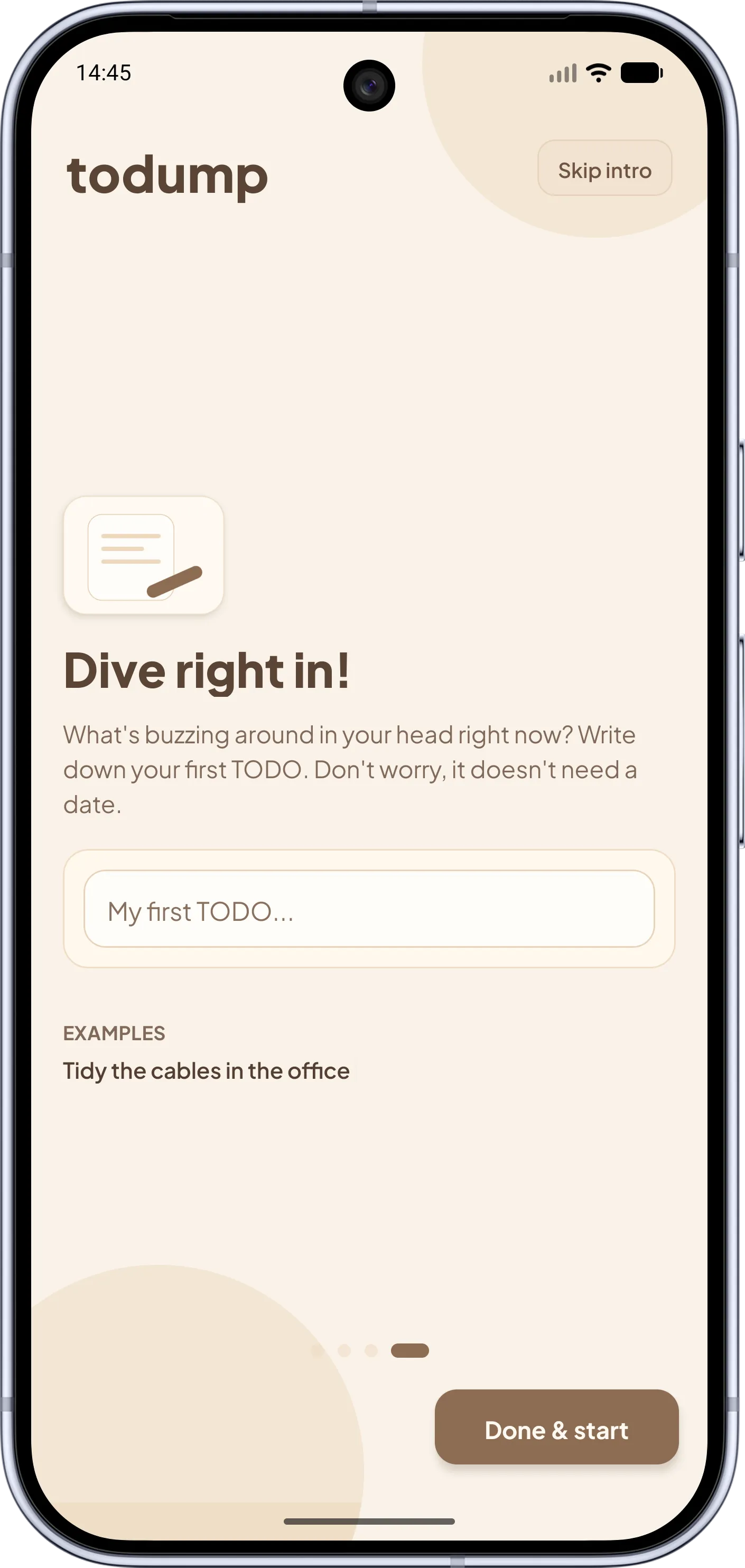
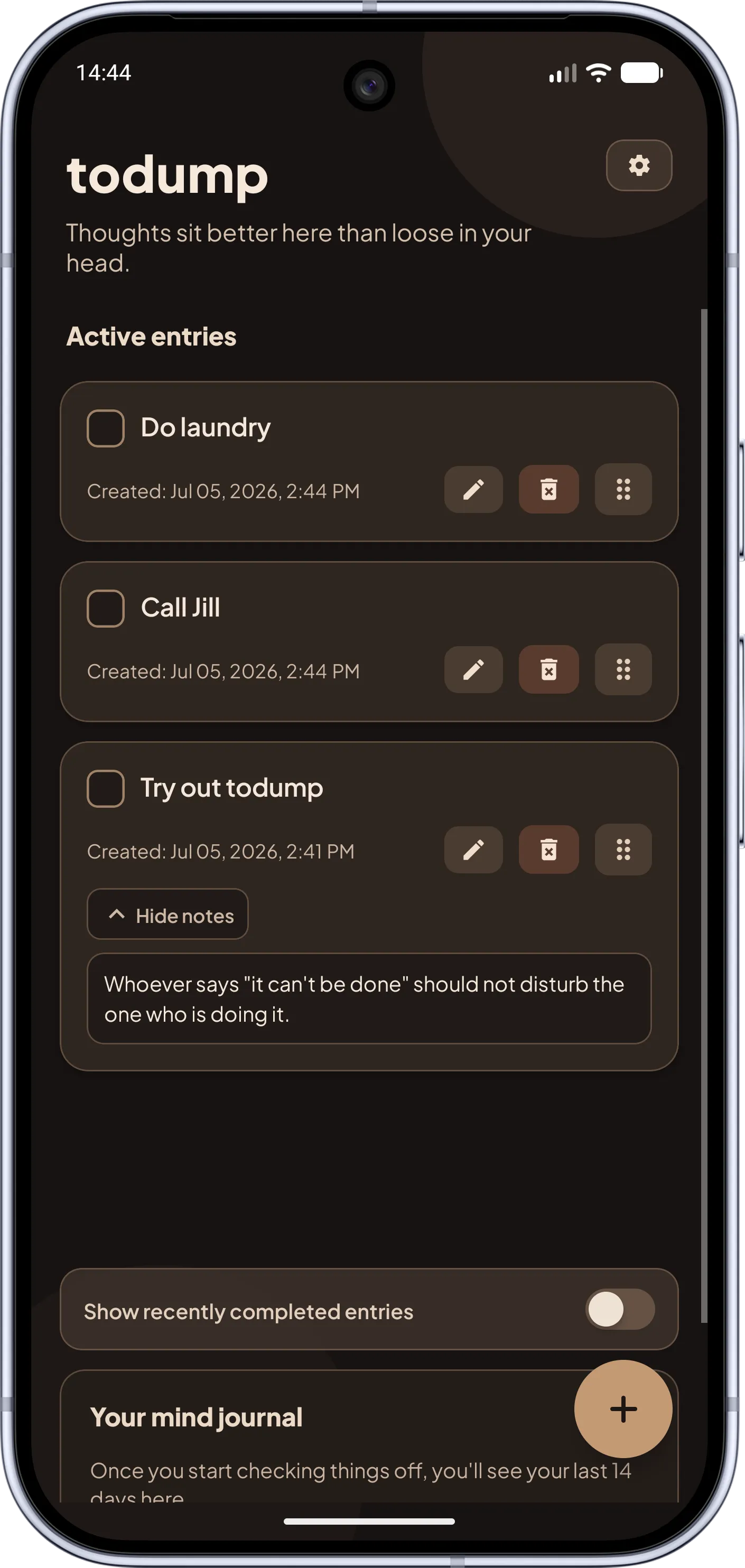
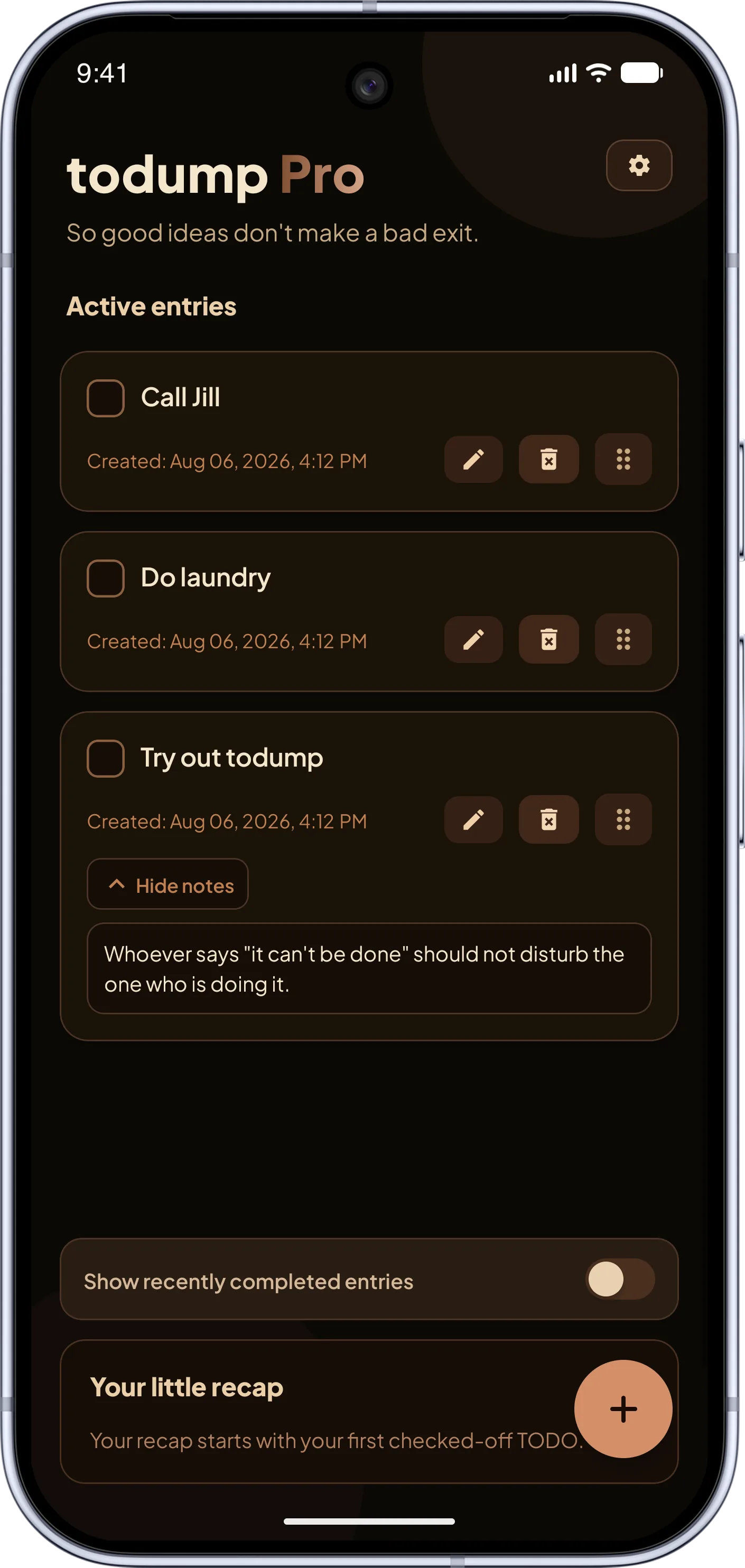
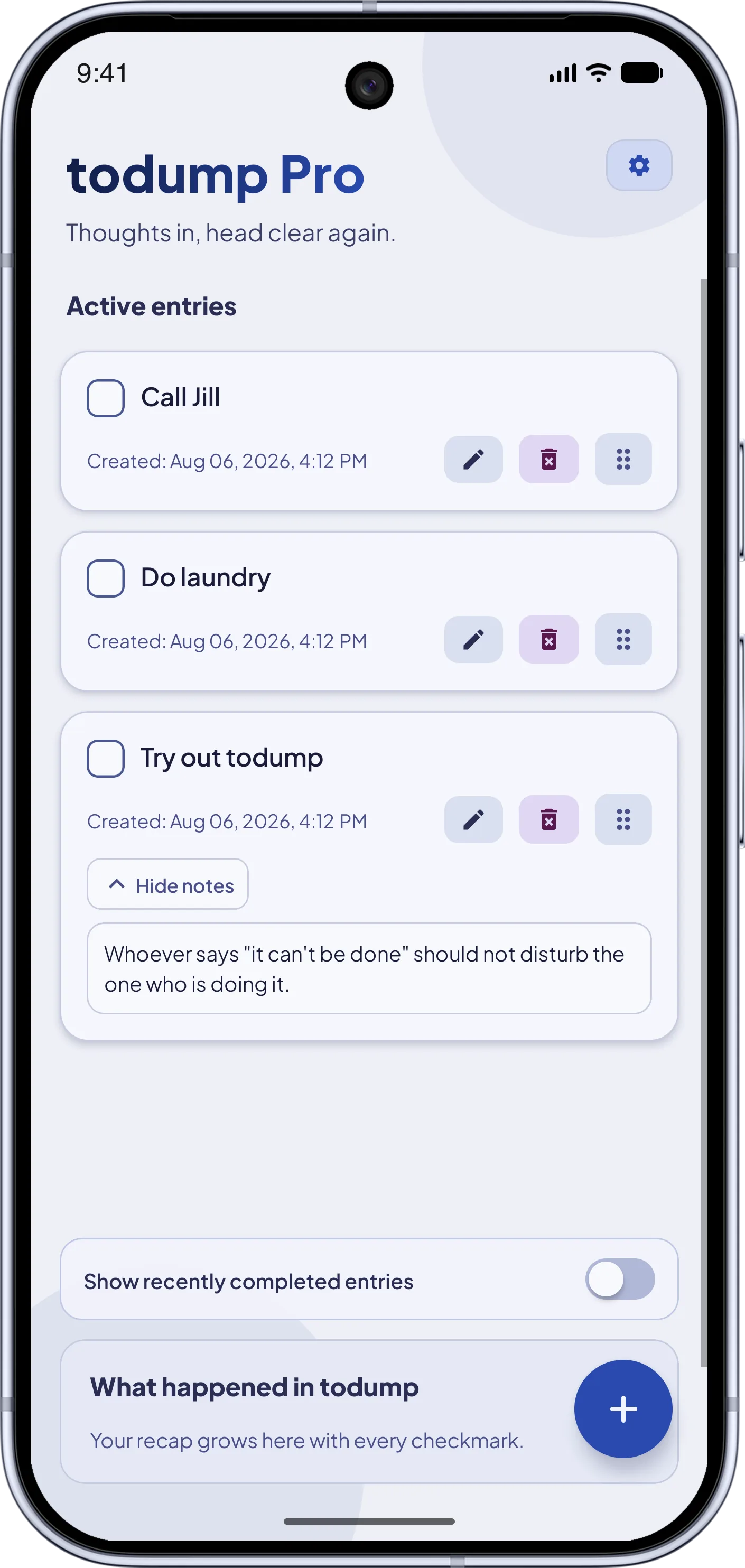
Captured in seconds
Got an idea? Type it in. No project, no label, no required fields – you capture the thought before it slips away.
todump is the notepad for spontaneous ideas and open tasks – no deadlines, ever. Whatever you capture keeps reminding you day after day until it's done. Nothing expires, nothing becomes "overdue".
Good evening ✦
Schedule dentist appointment
Return book to the library
it's in the hallway
Call friend back
Birthday gift idea
the headphones?
Water the plants
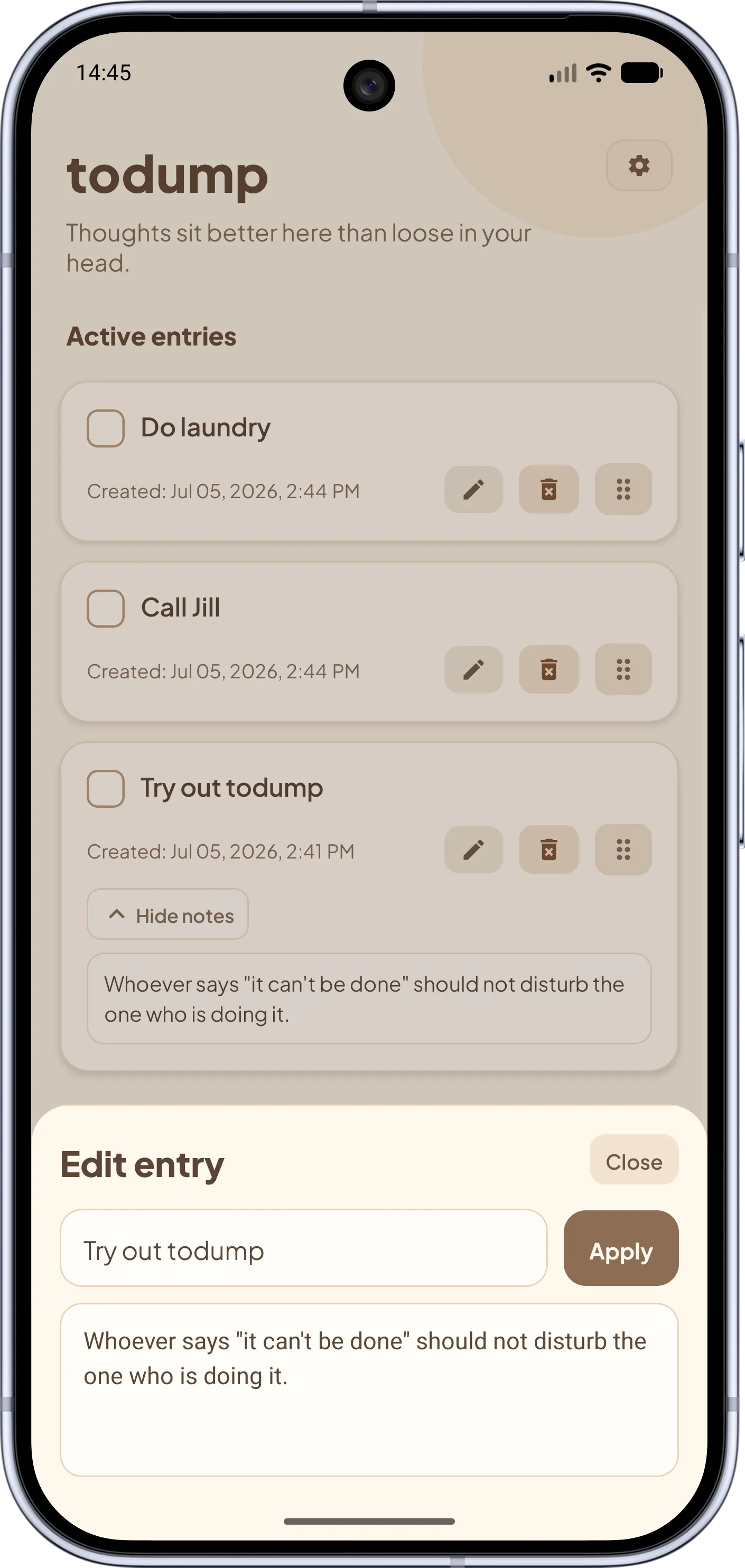
Got a thought? Type it in – one word is enough. No date, no label, no required fields. Your head is clear again in seconds.
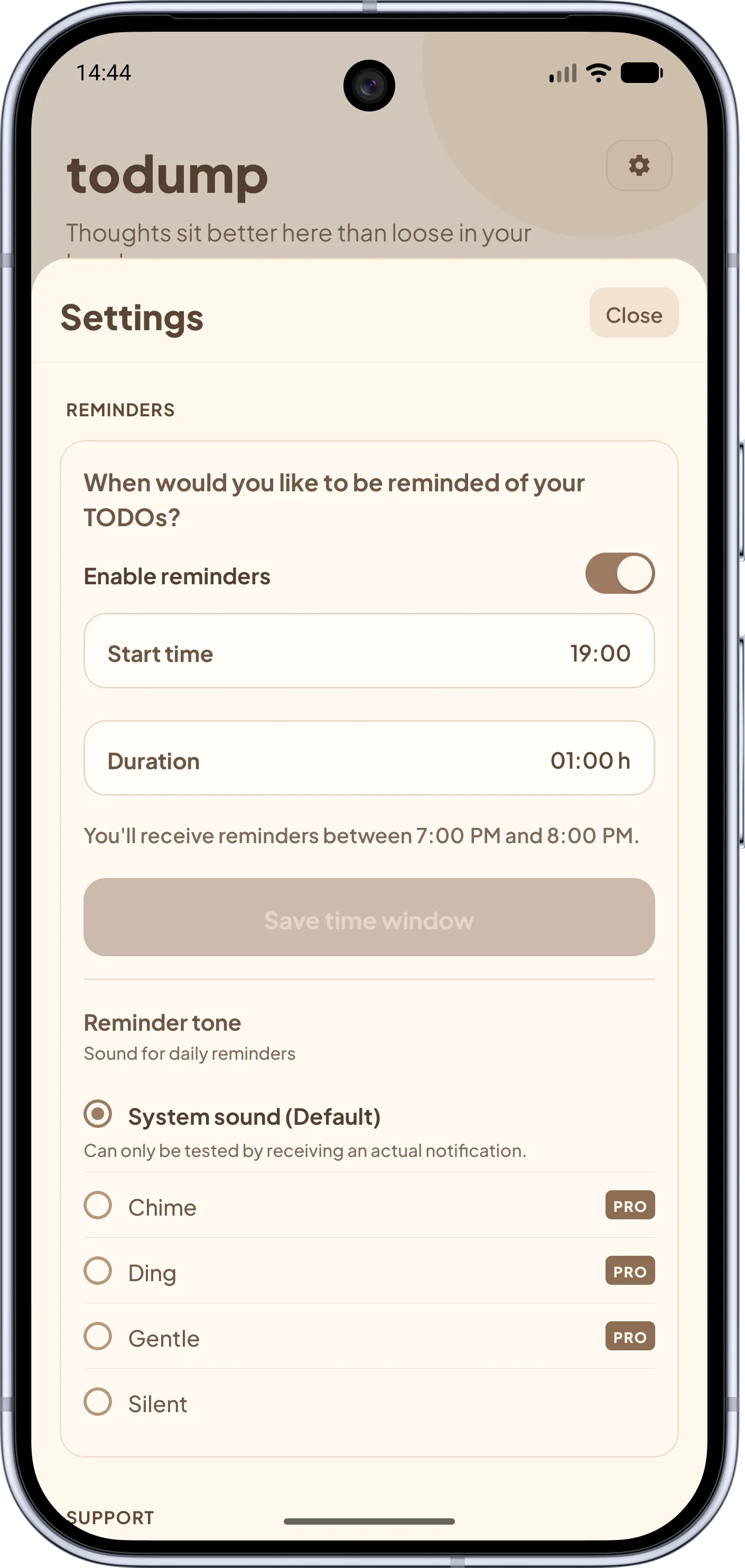
During your daily time window, todump nudges you about your open items – day after day, until you check them off. Nothing gets lost.
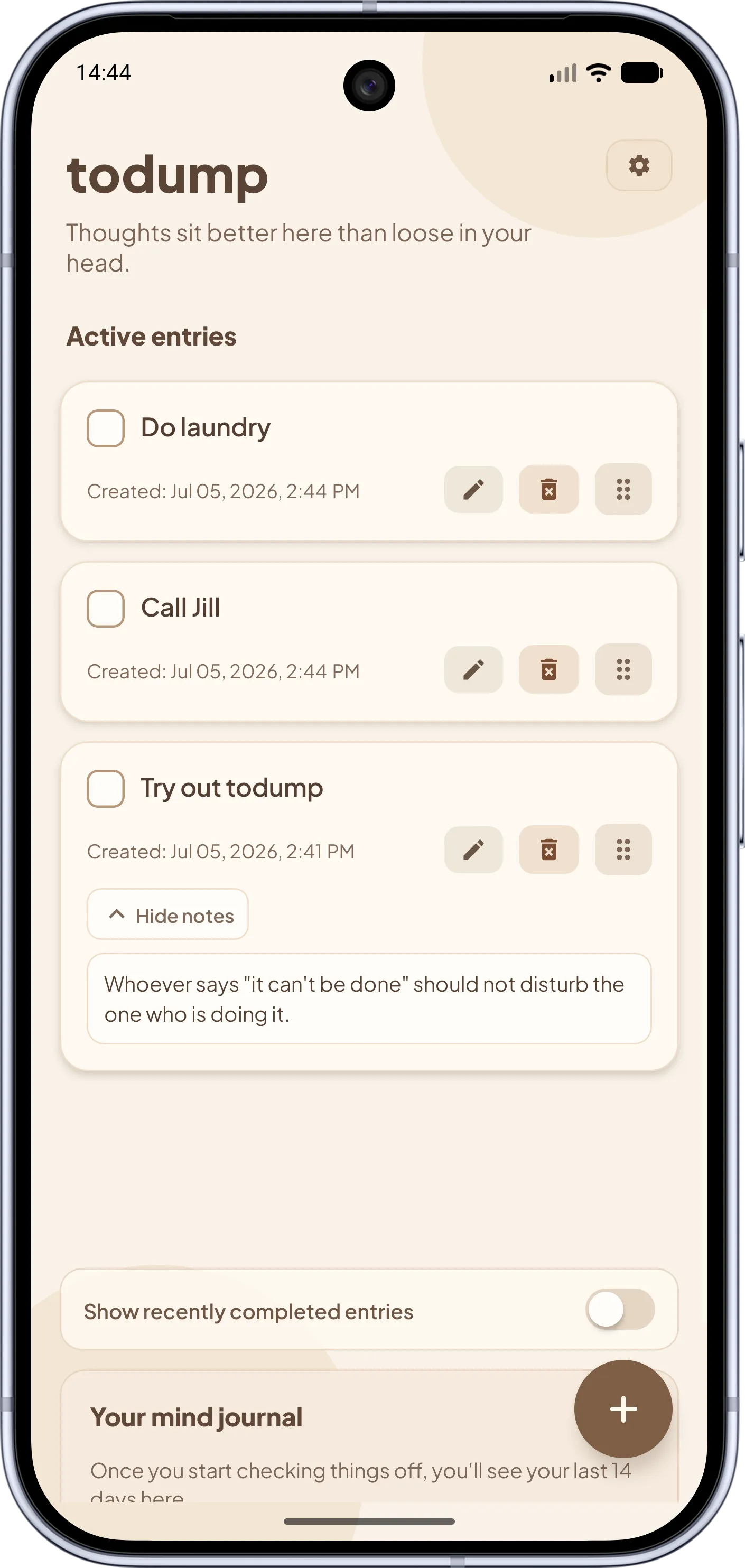
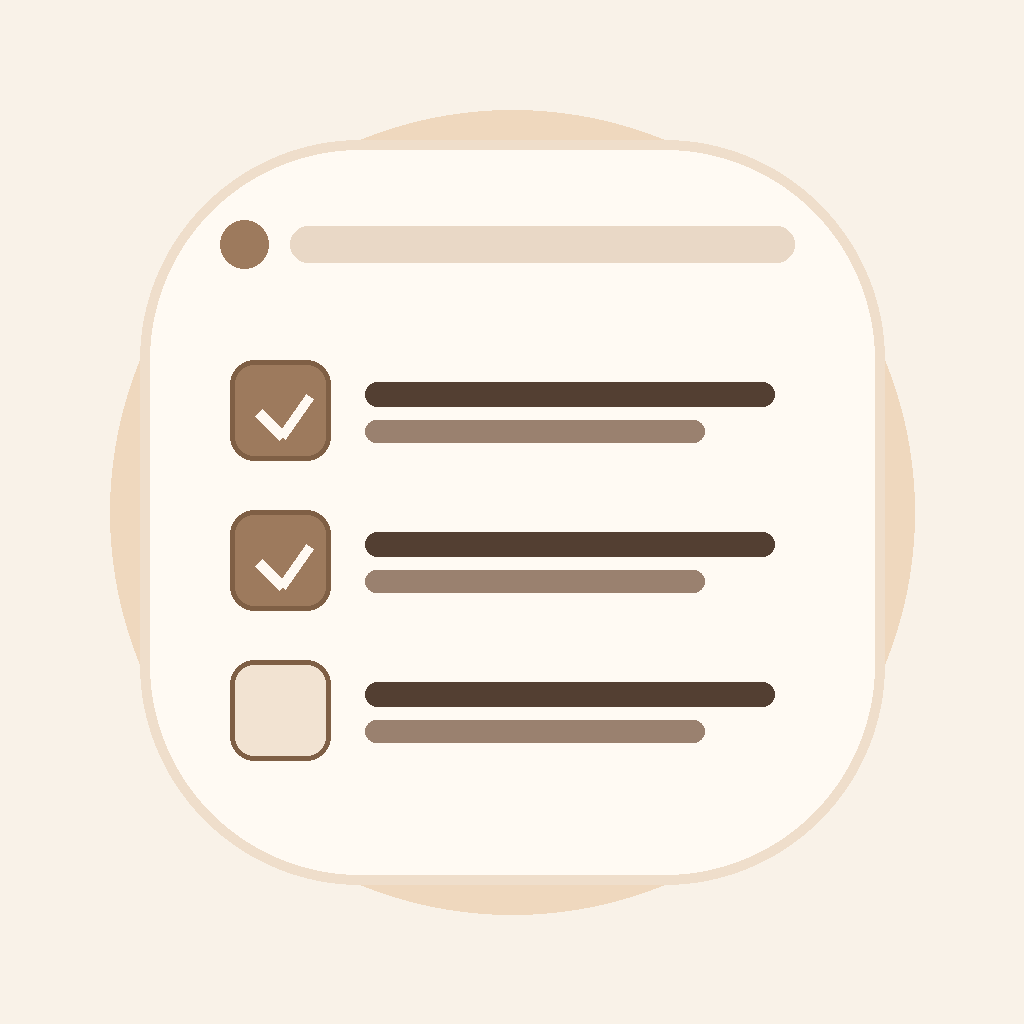
Done? One tap, and the entry is off your list and out of your head. No time pressure, no "too late".
todump has one goal: capture thoughts and show them again at the right moment. Here is everything it can do.
Got an idea? Type it in. No project, no label, no required fields – you capture the thought before it slips away.
An open task keeps showing up until you check it off. Nothing slips through, nothing "expires".
Choose a daily window once, e.g. 6 to 8 pm. todump only reminds you then – not at a fixed time for every single task.
Not a good moment? One tap, and the reminder comes back after 10 minutes, 30 minutes, or 1 hour. No "too late", no red markings.
No ads, no login, no sign-up. Your entries stay local on your device – no server reads your notes.
Drag your entries into whatever order feels right – no priority levels, no menus.
14 mini bars show how many thoughts you cleared in the last two weeks. Calm stats instead of achievement pressure – and you can hide it anytime.
With the Quick Capture widget you open a new entry directly. The Top 3 widget shows three open entries on the home screen. For Pro users.
Choose how todump talks to you: friendly, supportive, minimalist – or brutally honest. Three extra personalities for Pro users.
Fingerprint, Face ID, or PIN protect your entries – no one but you sees what you dump. For Pro users.
Caffeine, Sage Green, or Cyberpunk – change the look of the whole app, in light and dark. For Pro users.
Warm design, zero distraction – this is what todump feels like. Browse through and see for yourself.
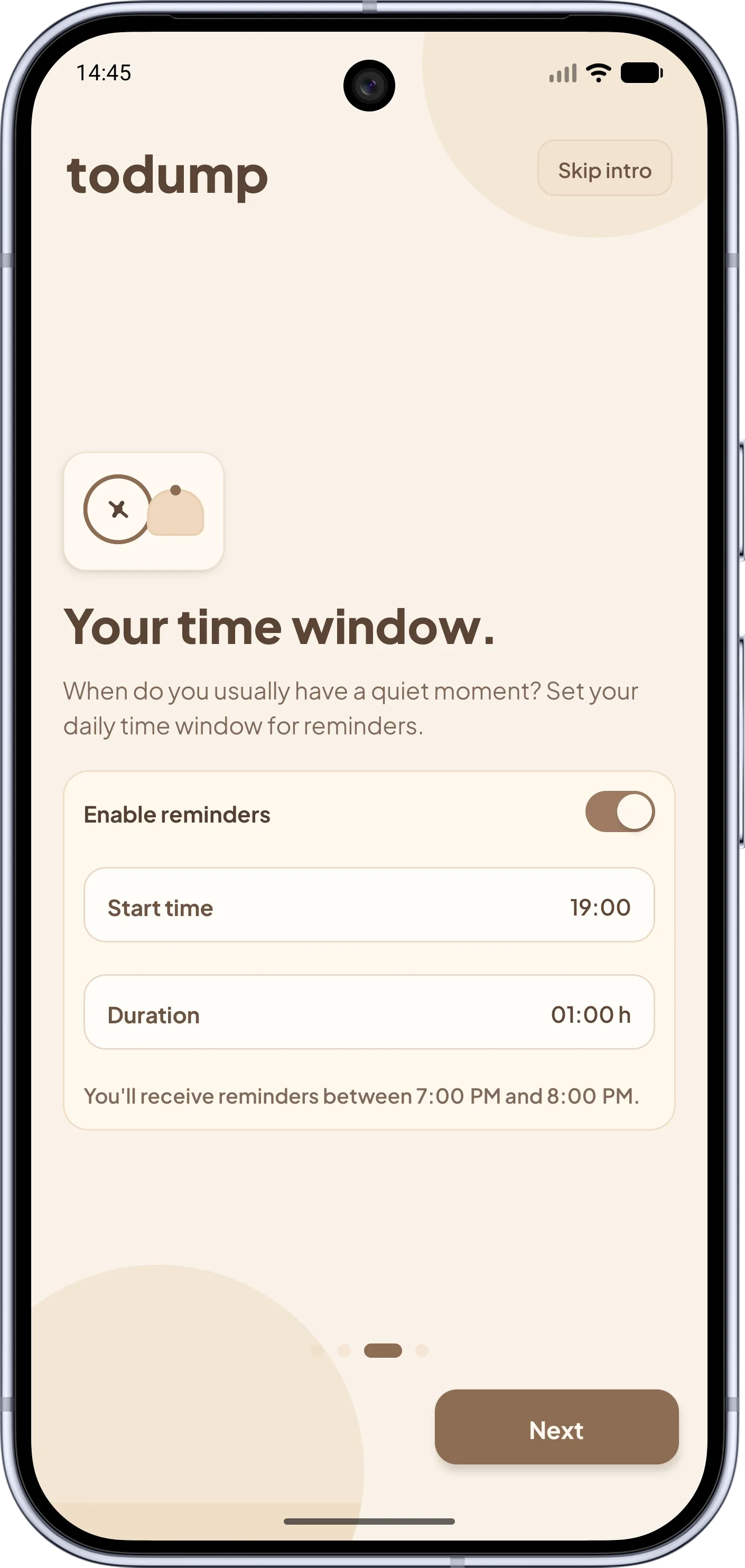
Screenshot 1 of 8
Most apps want you to plan, tag, and set deadlines. todump does it the other way around.
Classic to-do apps and calendars let things expire. todump keeps bringing them back day after day, without any pressure.
Deadline passed? Entry disappears or turns red.
Open stays visible – until you've actually finished it.
Perfect for everything you don't know when you'll get to. Capture first, plan later.
Every task needs a date, time, and deadline.
You don't set any time at all – just a daily window.
Made for people with ADHD and anyone who wants to clear their head without maintaining a system.
Powerful tools with lists, tags, filters, and habits.
One list, one tap to check off. That's it.
What you dump stays on your device. No ads, no login – privacy isn't a premium feature.
Cloud accounts, logins, ads, data sharing.
All local. No account, no ads, no connection needed.
The core of todump is free. todump Pro is optional: it adds extras such as widgets and app lock and supports further development.
Everything you need to clear your head.
Extra features and customization – and you support ongoing development.
No ads · no account · no hidden costs · cancel anytime
Everything you want to know before your first dump.
todump is a free to-do list and reminder app for Android and iPhone. You capture tasks and thoughts without a date, and todump reminds you once a day, in a time window you choose, of everything that is still open – until you check it off. The app works offline, without an account and without ads.
Yes. Unlimited entries, daily reminders, snooze, notes and dark mode are free forever and without ads. Only optional extras such as home screen widgets, app lock, color themes and reminder personalities are part of todump Pro.
Yes, todump is deliberately built to be ADHD-friendly. Capturing a thought takes one tap, and there are no required fields, no due dates and no red "overdue" state. Instead, open tasks gently come back every day until they are done – ideal when planning and prioritizing feel hard.
Classic to-do and reminder apps usually only notify you when you give a task a date or time. todump flips that around: you never set a due date, just one daily time window, and get reminded of all open entries within it. There are also no projects, tags or priorities, no account and no cloud – everything stays on your device.
No. todump works entirely offline. There's no sign-up and no login – just install the app and start immediately.
Exclusively on your device. Nothing is uploaded to the cloud or sent to servers. Your notes belong to you.
You don't set a date per task. Instead, you choose a daily time window (start time + duration). Within that window, todump reminds you of open entries – until you check them off. You can exclude individual weekdays from reminders entirely in Settings, e.g. to stay quiet on weekends.
Then you snooze right from the notification: the reminder comes back after 10 minutes, 30 minutes, or 1 hour – even if your time window ends in between. Without an active snooze, reminders stop when the window ends and resume the next day.
Intentionally not. todump skips deadlines so nothing can ever be "too late". Open things simply stay visible until you're ready.
todump is available for Android on Google Play and for iOS on the App Store. After installing, you set up your time window in under a minute.
todump Pro is the optional supporter upgrade. You get home screen widgets (Quick Capture and Top 3 entries), a biometric app lock (fingerprint, Face ID or PIN), selectable reminder sounds, three new app color themes (Caffeine, Sage Green, Cyberpunk), alternative check-off sounds, and four reminder personalities to set the tone of the notifications. Available as a monthly subscription (€0.99), yearly subscription (€8.99), or one-time purchase (€16.99). The core of todump stays free: Pro adds extras and does not replace any core feature.
All your entries and your time window are kept, and reminders keep working. The Pro personalizations (sound, color theme) revert to their defaults – no data loss, no locked core feature.
Download todump, set up your time window in under a minute, and capture your spontaneous ideas.


Now available for Android and iOS.
Free · no sign-up · works offline