Nothing disappears quietly
An open entry reappears in your time window, day after day, until you check it off or deliberately dismiss it. No expiry date, no red marker.
An open entry doesn't vanish after a single day in todump. It comes back in your daily time window, day after day, until you check it off. And when the moment is genuinely wrong, there's snooze.
todump has two distinct mechanisms that both mean "later" but cover very different timeframes. The first is the daily repeat: an entry you don't finish reappears in your time window the next day – and the day after, over days or weeks, until you check it off or deliberately delete it. That's the core of the app: nothing sinks just because one day went by.
The second mechanism is snooze – deliberately different. When a reminder arrives at the wrong moment, you push it back by 10 minutes, 30 minutes, or 1 hour. Short, bounded, decided by you in the moment the reminder fires. Not "tomorrow," but "in a bit, just not right now."
Three building blocks that together make sure nothing gets lost, without overwhelming you.
An open entry reappears in your time window, day after day, until you check it off or deliberately dismiss it. No expiry date, no red marker.
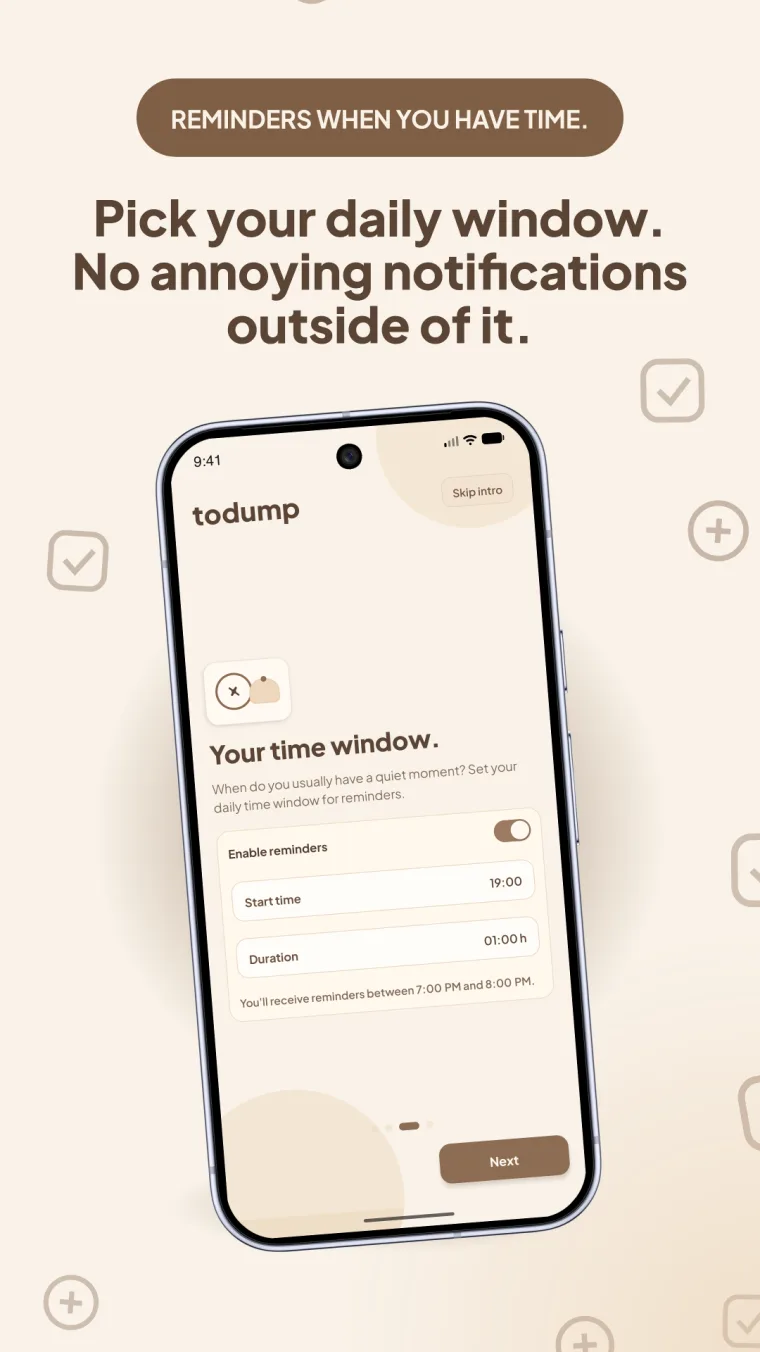
Set a start time and duration once. Outside of it, there is silence. This applies to all entries at once; you set nothing per task.
Individual weekdays can be switched off, Saturday and Sunday for example. Handy if you genuinely want to hear nothing from the app on weekends.
10 minutes, 30 minutes, or 1 hour – for the moment when there really is no time right now, but soon. Chosen directly from the notification.
A snoozed entry deliberately runs past the end of your time window and ignores weekend exceptions – otherwise it would disappear at exactly the moment you just postponed it.
On Android, a snooze reliably comes back even after todump has been fully closed.
The most important answers about the reminder mechanic.
The daily reminder is the long-running loop: an open entry comes back in your time window day after day, for as many days as it takes. Snooze is short-term and deliberately chosen by you – 10 minutes, 30 minutes, or 1 hour, directly from the notification, when the moment is simply inconvenient.
No, deliberately not. Weekday exceptions only affect the start and entry reminders. An active snooze keeps running even if it stretches into the weekend or past the end of your time window – otherwise it would vanish exactly when you just postponed it.
Once a day, inside your time window, for as long as the task stays open. There are no hourly repeats, just this one reminder per day. A snooze only adds to it if you trigger it yourself.
Yes, in settings, whenever you like. Start time and duration can be adjusted freely, as can the active weekdays.
On Android, yes – a dedicated native mechanism handles that independently of the running app. Once the last open task is completed, any pending snooze is automatically discarded.

Download todump, set up your time window in under a minute, and capture your spontaneous ideas.


Now available for Android and iOS.
Free · no sign-up · works offline