A low bar to capture
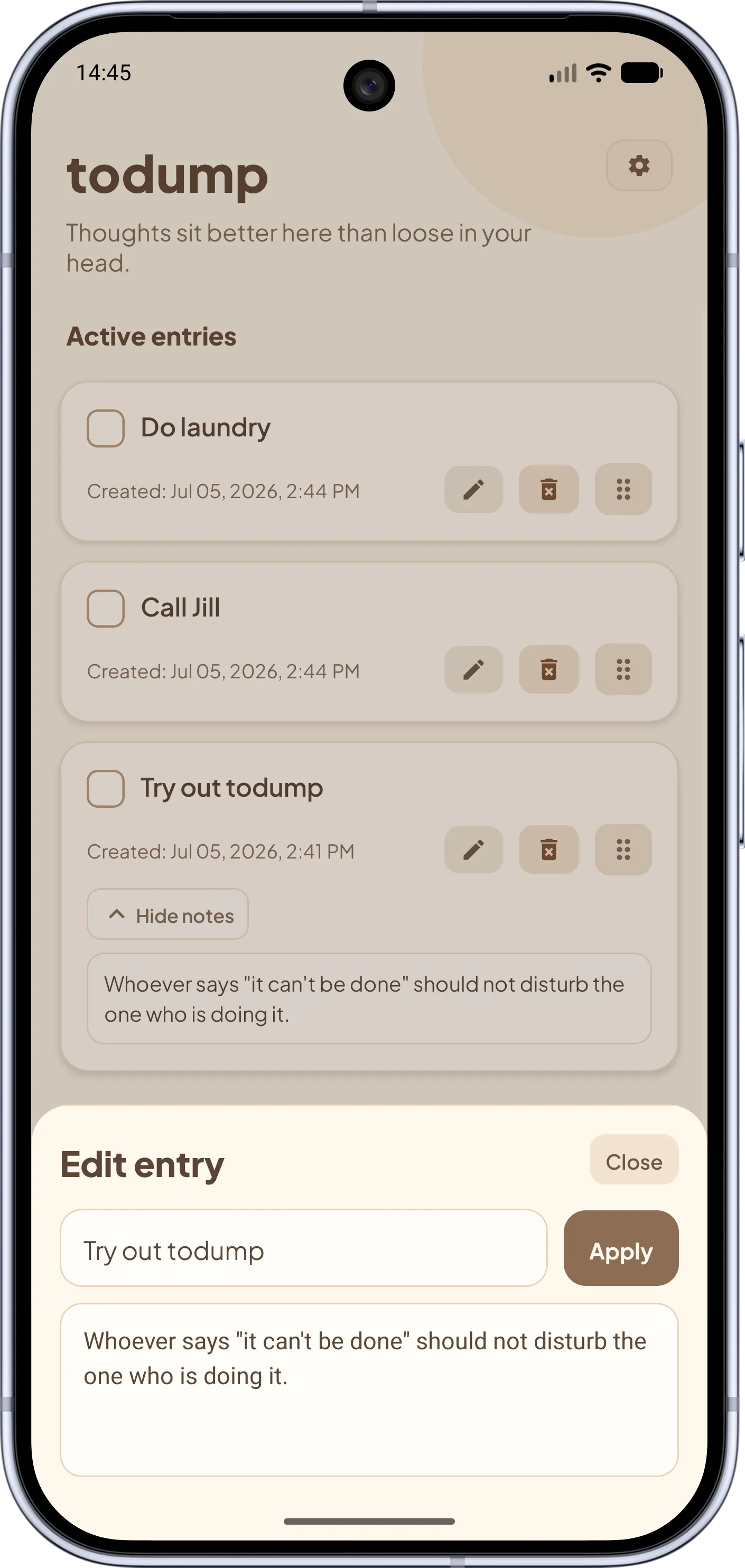
In Reminders you make decisions on every entry: list, date, time? In todump there is one field. With Pro you can even add entries straight from a home screen widget.
You forget notes, and Reminders wants a date for every small thing. todump captures a thought in seconds and brings it back every day – until it is done. For iPhone and Android.
Apple Notes and Apple Reminders are strong, free apps that are on your iPhone from day one. For loose thoughts they still often feel wrong: a note never reminds you again, and Reminders asks for a list, a date, and a time on every entry. todump is the middle path – capture like a note, get reminded like a reminder, but without a due date.
Here is how it works: you type a word, nothing more. Once, you set a daily time window, say 7 to 8 pm. Inside that window todump nudges you about your open items, day after day, until you check them off. Forgetting becomes unlikely: the reminder comes to you, instead of you having to remember to open a note.
If the moment is bad, you snooze right from the notification – in 10 minutes, 30 minutes, or an hour. There is no "overdue" and no red dates that look like a guilty conscience.
The key differences at a glance – honest, including where Apple is ahead.
Apple Notes & Reminders Notes: free-form, but no reminder. Reminders: a title plus optional list, date, priority.
todump One text field, no required fields.
Apple Notes & Reminders Optional; overdue reminders are highlighted.
todump None – nothing ever becomes "overdue".
Apple Notes & Reminders Notes: none of its own. Reminders: per task, by date, time or location.
todump One daily time window for all open entries.
Apple Notes & Reminders Usually iCloud sync through your Apple ID.
todump No account, everything stays on the device.
Apple Notes & Reminders Yes, via iCloud (limited in the browser).
todump No, one device per installation.
Apple Notes & Reminders iPhone, iPad, Mac.
todump iPhone and Android.
Apple Notes & Reminders Very large: lists, tags, sharing, subtasks, Siri.
todump Deliberately small: one list, optional note, drag & drop.
Apple Notes & Reminders Free on Apple devices.
todump Free; optional Pro from €0.99 a month.
Fewer decisions when capturing, more reliability when reminding.
In Reminders you make decisions on every entry: list, date, time? In todump there is one field. With Pro you can even add entries straight from a home screen widget.
Without a due date nothing can turn red. With no red badge on the app icon either, the list stays calm.
A note stores things but never nudges you. todump brings open items back every day inside your time window.
Right from the notification: in 10 minutes, 30 minutes, or 1 hour. The reminder comes back later – without blame.
Your entries stay on the device: offline, with no account and no cloud.
Same idea, same interface on both systems. If you use an iPhone privately and Android at work, you only learn one app.
The most important answers about the difference.
Yes, for anyone who wants to capture tasks without a fixed date. todump skips due dates, lists, and priorities and instead reminds you once a day inside a time window you choose – until the entry is done. If you need location reminders, shared lists, or Siri integration, Apple Reminders is the better fit.
For short thoughts and open tasks, yes; for longer text, no. Every todump entry can hold a short note. Multi-page documents, attachments, scans, or folder structures remain the strength of Apple Notes.
Apple Notes offers checklists but (as of October 2026) no reminders for individual items. For that there is the separate Reminders app. todump combines both: entry and reminder in one app.
No. todump stores everything locally on one device and has no sync. Data export and import are planned for the future but not available yet. If you need the same list on several devices, Apple Reminders serves you better.
There is no automatic import yet. You can re-enter open items by hand in seconds – one word per entry is enough. A data import is planned for the future.
The core features – unlimited entries, a daily time window, snooze – are free, with no ads and no account. Optional extras such as home screen widgets, app lock, and additional color themes are part of todump Pro (€0.99 per month, €8.99 per year, or €16.99 one-time).
As of October 2026. Features of other apps may change; the vendors' own information is authoritative. Apple, Apple Notes, Apple Reminders, and iCloud are trademarks of Apple Inc. todump is not affiliated with the vendors mentioned.

Download todump, set up your time window in under a minute, and capture your spontaneous ideas.


Now available for Android and iOS.
Free · no sign-up · works offline