One word instead of a note
No title, no notebook, no tags. The idea behind it: the brain dump.
Evernote is an archive for knowledge. If you only want to capture loose thoughts and open tasks, you often do not need notebooks and tags. todump is a single list that reminds you every day.
Evernote is a note-taking and knowledge app: notes with content, notebooks, tags, a web clipper, and attachments. That is ideal for collecting material and finding it again. For the question "what did I still want to get done?" it is often too heavy – and the free plan is tightly limited (most recently to 50 notes, one notebook, and one device; Evernote lists the current terms).
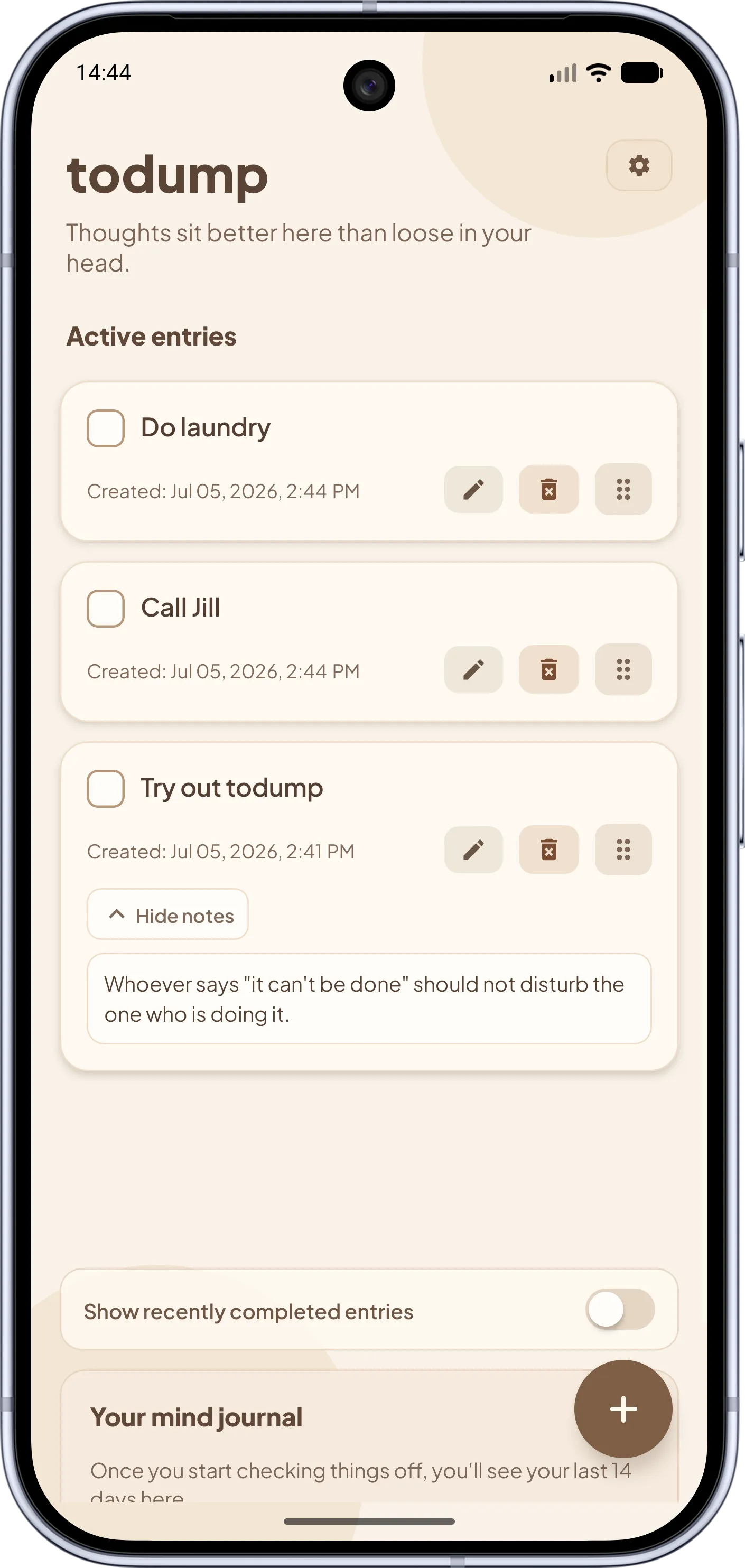
todump flips the purpose. It does not collect knowledge; it holds open thoughts until they are done. You type a word, set a daily time window once, and todump nudges you inside it about everything still open. Unlimited entries are free, and you need no account.
Speed matters most for a brain dump: a thought that has to be filed into a notebook and tagged first is easily lost. todump has no intermediate steps. And if you do not want to tackle an entry right now, you snooze it for 10 minutes, 30 minutes, or an hour.
Two apps for two jobs – the differences at a glance.
Evernote Note and knowledge archive with notebooks, tags, and a web clipper.
todump Capture open thoughts and get reminded.
Evernote A note with title, content, notebook, and tags.
todump One text field, no required fields.
Evernote Per note, with date and time.
todump One daily time window for all open entries.
Evernote Tightly limited (most recently 50 notes, one notebook, one device).
todump Unlimited entries, reminders, and snooze for free.
Evernote Evernote account required.
todump No account, no login.
Evernote Cloud sync between devices (depending on plan).
todump No sync, one device.
Evernote Yes: PDFs, images, web clippings.
todump Text and one short note per entry.
Evernote More features only in paid plans.
todump Optional Pro: €0.99 a month, €8.99 a year, or €16.99 one-time.
Instead of creating order, it takes the remembering off you.
No title, no notebook, no tags. The idea behind it: the brain dump.
A note app waits until you open it. todump nudges you once a day inside your time window about everything still open.
There are no due dates and no "overdue". An open entry simply stays until you check it off.
Unlimited entries, reminders, and snooze cost nothing. Pro is a voluntary extra for widgets, app lock, and color themes.
Your thoughts stay on your device, with no sign-up and no cloud.
Order by drag & drop if you like. Especially helpful with ADHD: no hierarchy, no hunting for the right place to file things.
The most important answers about the difference.
For loose thoughts and open tasks, yes; for a knowledge archive, no. todump does not replace notebooks, a web clipper, or attachments. It replaces the note list where you collect "still to do" items and then forget them – because todump reminds you every day.
An unlimited number. The daily reminder, time window, and snooze are free too. You need no account, and the app shows no ads.
Those are note and knowledge tools as well. Google Keep comes closest: simple, with checklists and reminders, but it needs a Google account. OneNote and Notion are more like workspaces. What sets todump apart from all three is a single goal: bringing open thoughts back until they are done.
There is no import. todump is meant for short, open items, not a note archive. You can re-enter open to-dos from Evernote by hand in seconds; for everything else Evernote remains the right archive. A data import is planned for the future.
No. todump stores locally on one device and has no sync. If you need the same note on phone, tablet, and computer, Evernote serves you better. Data export and import are planned for the future.
Yes, completely. Capturing, checking off, and reminders all run offline because everything lives on the device.
As of October 2026. Features and plans of other apps may change; the vendors' own information is authoritative. Evernote is a trademark of Evernote Corporation, Google Keep a trademark of Google LLC, OneNote a trademark of the Microsoft group of companies, and Notion a trademark of Notion Labs, Inc. todump is not affiliated with the vendors mentioned.

Download todump, set up your time window in under a minute, and capture your spontaneous ideas.


Now available for Android and iOS.
Free · no sign-up · works offline