No red counter on the app icon
A deliberate design choice: no badge nagging on your home screen from one reminder to the next. Android at most shows a plain dot with no number, at the system level.
No red counter on the app icon. No task that ever becomes "overdue." No nagging notification texts. todump reminds you, but never guilt-trips you while doing it.
A red counter on the app icon is exactly the pressure pattern that defines many to-do apps: a number that sits there nagging on your home screen from the moment a reminder arrives until you next open the app. todump deliberately skips that counter. The reminder itself stays the one gentle nudge – and once it's passed, it's passed. No silent accusation waiting for you to look back.
Inside the app there's no "overdue," no red marker for missed days either. An open entry simply stays open, with no judgment attached. And the reminder copy itself is deliberately relaxed – small, friendly nudges instead of scolding. If you would rather it hit a bit harder, todump Pro lets you switch the reminder personality, all the way to a deliberately unfriendly variant for anyone who needs that as motivation.
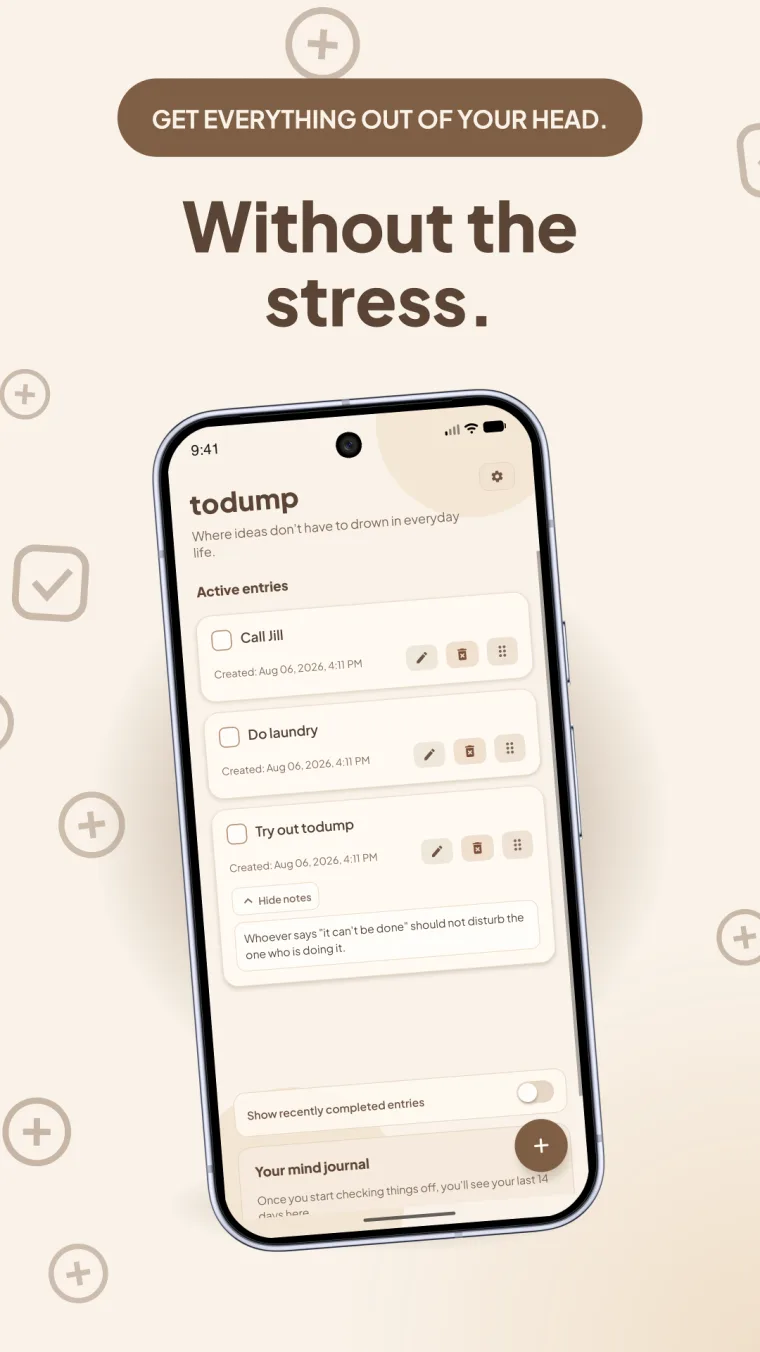
Six design choices against the usual pressure pattern of to-do apps.
A deliberate design choice: no badge nagging on your home screen from one reminder to the next. Android at most shows a plain dot with no number, at the system level.
Reminder texts are deliberately relaxed, like "Small nudge: you've still got open TODOs." Never a tone that makes you feel bad.
Friendly is the default and free. todump Pro adds Understanding, Minimalist, and a deliberately unfriendly personality.
A time window plus weekend exceptions make sure todump doesn't reach you around the clock – reminders arrive only when you're open to them.
todump has no red for missed days. Entries simply stay open until done, with no judgment in between.
A rotating, friendly subtitle in the app header replaces numbers and statistics pressure. It adapts to your chosen reminder personality.
The most important answers about how todump treats open tasks.
Because a red dot with a number is exactly the pressure pattern todump wants to avoid – it would sit there nagging on the home screen from the moment a reminder arrives until you next open the app. The reminder itself is enough of a gentle nudge.
No. todump has no concept of "overdue." An open entry simply stays open and keeps reappearing in your time window, with no red marker or judgment attached.
Yes. Alongside the friendly default personality, todump Pro offers a deliberately blunt, unfriendly variant for anyone who genuinely needs that tone as motivation.
Once a day, inside your own chosen time window, for as long as a task stays open. The only addition is a snooze you trigger yourself. There are no hourly repeats.
The core features are completely free, with no ads and no account. Additional reminder sounds and personalities are part of todump Pro.

Download todump, set up your time window in under a minute, and capture your spontaneous ideas.


Now available for Android and iOS.
Free · no sign-up · works offline